
All Masters, Roles and Club Settings — One Hub
Settings holds the masters of everything used throughout the application. With every master packed together, plus Roles & Permissions and general club settings like name and currency, the core stays easy to manage.
Why Clubs Are Upgrading to Lab of Club
See the immediate operational difference when moving from fragmented tools to a purpose-built club OS.
Options Scattered Across Screens
- Dropdown values edited in five places and never in sync
- Nobody knows which master feeds which module
- Access control improvised per screen instead of by role
- Club name, currency and basics buried where nobody finds them
The Core, Packed Together and Easy to Manage
- Settings is the masters core — everything the app uses lives here
- All masters packed together in settings for single-point management
- Roles & Permissions defined once and enforced everywhere
- General club settings (club name, currency) configured alongside masters
Engineered for Operational Excellence
Explore the purpose-built tools designed to give your staff and committee complete control.
The Masters of Everything in the App
Membership types, meeting types, designations, donation purposes, ticket categories — the masters are the core of the application.
- Central masters: types, categories, purposes and taxonomies
- Every module (Members, Events, Meetings, Finance, Leads) reads the same masters
- Add, edit and retire master values without touching code
- Changes propagate consistently across the whole club workspace
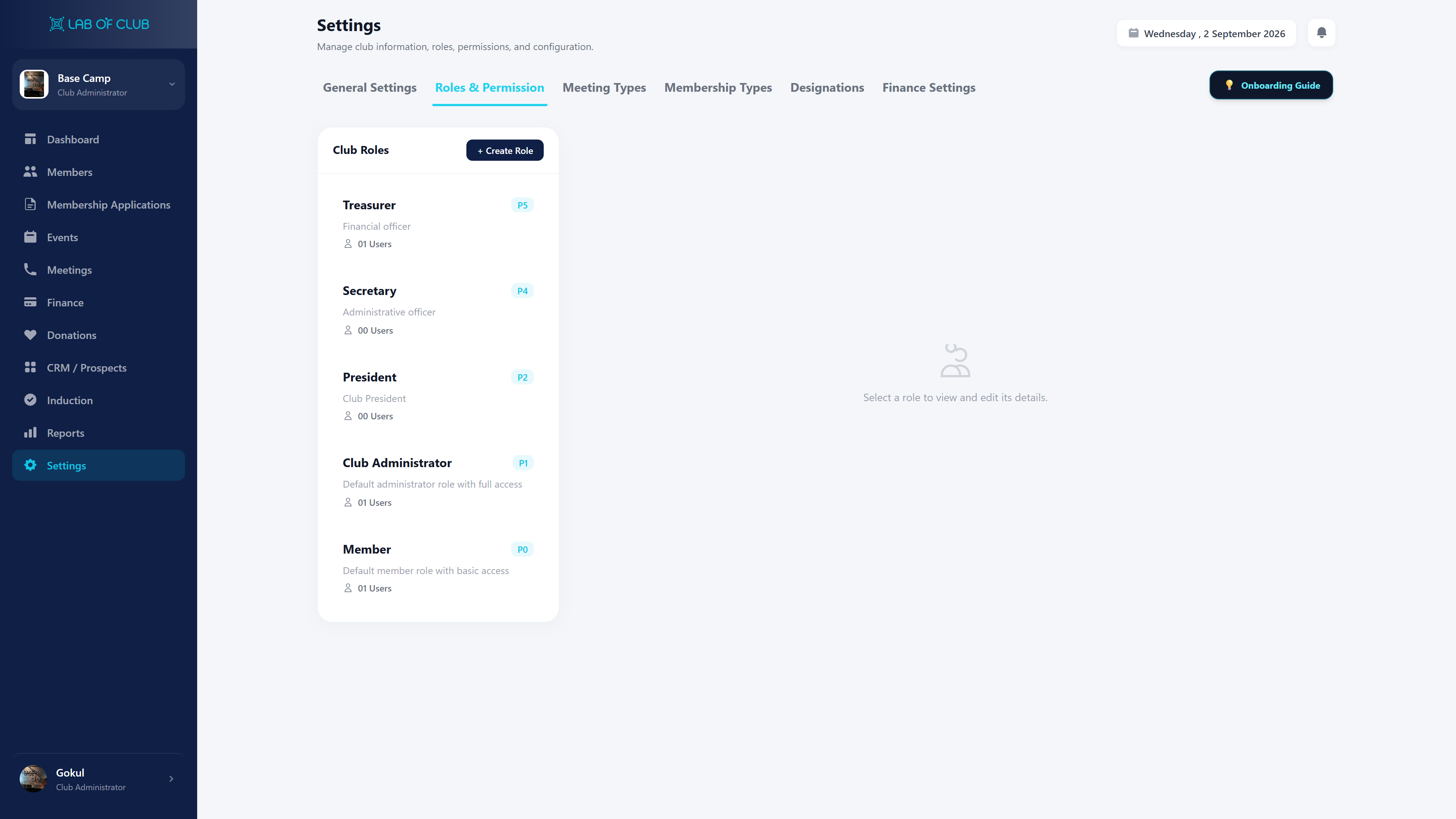
Roles & Permissions Live in Settings
Decide who can view and manage what — Members, Applications, Events, Meetings, Finance, Leads, Reports — from one permission matrix.
- Roles (e.g. Club Administrator, Treasurer, Secretary, Member) with module access
- Assign permission to manage Members and other sensitive areas
- Permission changes apply everywhere instantly
- Safe delegation without sharing master admin logins
General Club Settings: Name, Currency & More
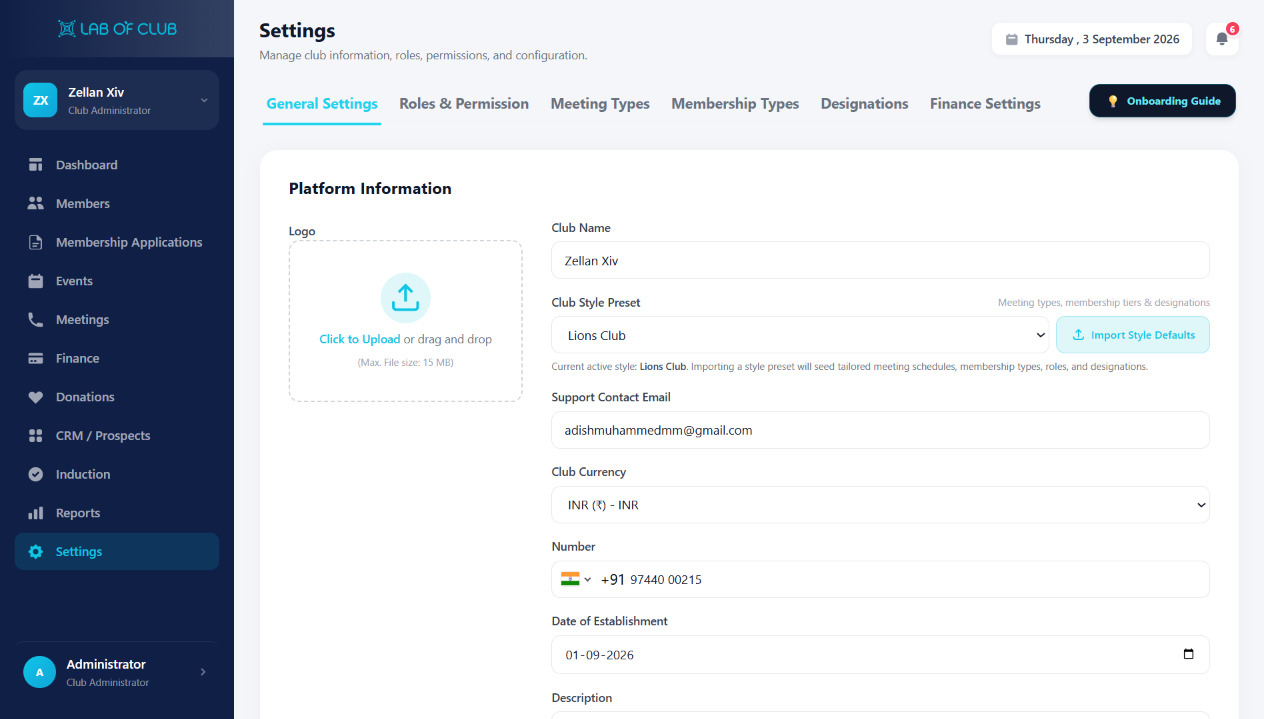
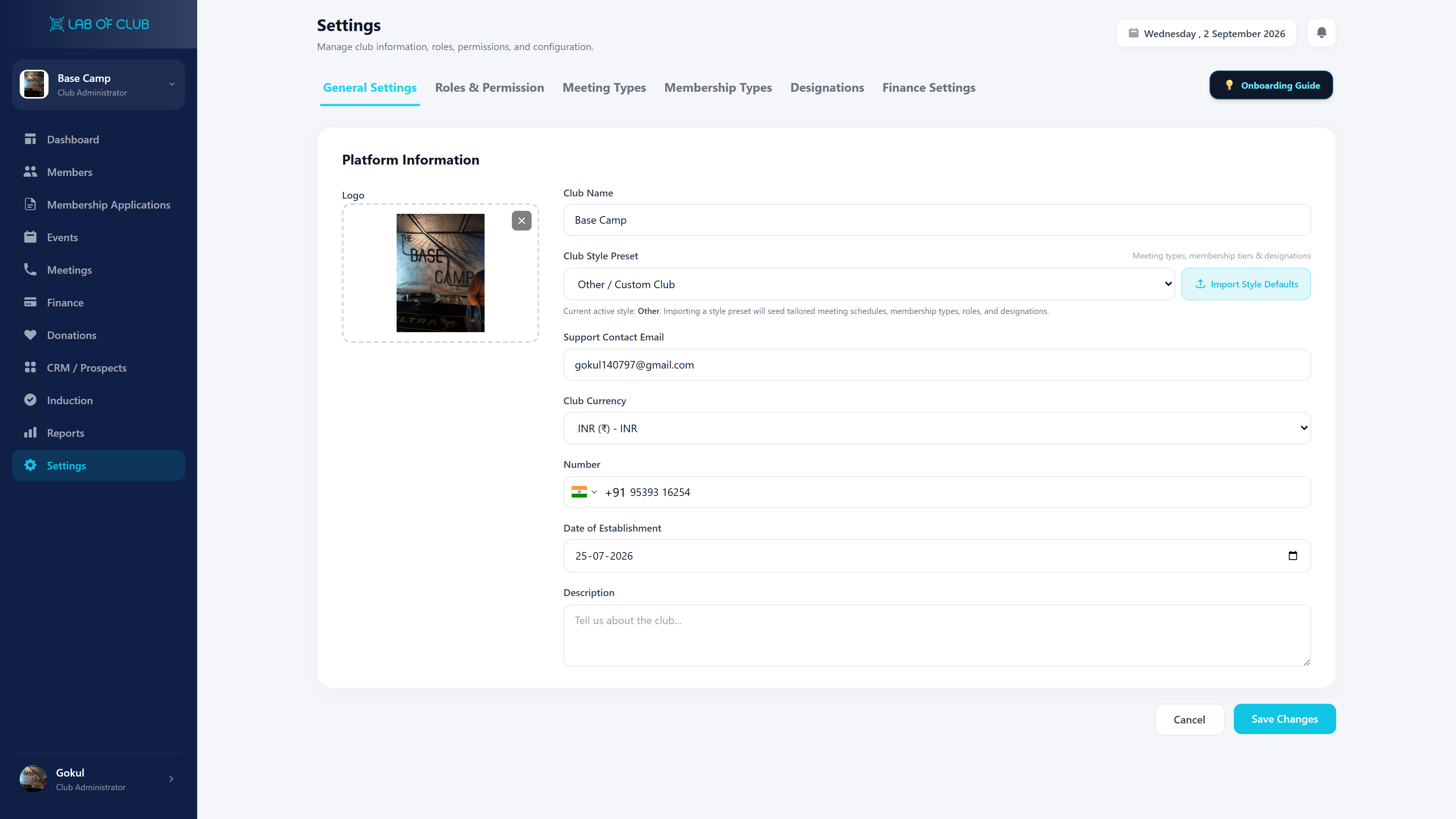
Platform Information holds the club’s identity — logo, name, style preset, contact, currency and establishment details — under the General Settings tab.
- Logo upload (drag & drop, max 15 MB) plus Club Name for the whole workspace
- Club Style Preset (e.g. Lions Club) with Import Style Defaults for meeting types, tiers, roles and designations
- Support Contact Email, contact number and Date of Establishment on record
- Club Currency (INR ₹) driving dues, donations and reports, plus Description
Frictionless Workflow in 3 Simple Steps
Designed for high adoption among committee members, staff, and club members alike.
Open Settings
All masters, roles and club profile live packed together here.
Configure Masters & Roles
Set master values, then grant Roles & Permissions on top of them.
Set Club Identity
Confirm club name, currency and general settings for the whole app.
Delivering Measurable Results to Premier Clubs
All Masters Together
The core stays manageable because it is packed in one place.
Define, Use Everywhere
A master edited in settings updates every module.
Role-Based Access
Roles & Permissions guard every sensitive action.
Name & Currency
General club settings live where admins expect them.
Got Questions? We’ve Got Answers.
Everything you need to know about implementing this module for your organization.
Ready to Elevate Your Club’s Settings?
Get a personalized 1-on-1 walkthrough configured to your club’s exact membership tiers, bylaws, and committee workflow.